


Proton VPN
- Swiss-Based Privacy (No-Logs Policy)
- High-Speed 10 Gbps Server Network
- NetShield Ad & Malware Filtering
- Secure Core Double VPN Architecture
A high-speed VPN that safeguards your privacy with advanced encryption and open-source transparency.

LightningX VPN
- Ultra-Fast Global Server Network
- Unlock Netflix, Hulu & Disney+
- Advanced Encryption & Privacy Protection
- Simple One-Click Connection UI
Experience lightning-fast speeds and secure browsing with a VPN designed for seamless streaming and privacy.
PrivadoVPN
- Strict Zero-Logs Policy (Swiss-Based)
- Unblocks Netflix, Disney+, and BBC iPlayer
- Generous Free Tier with 10GB Monthly Data
- Support for Up to 10 Simultaneous Devices
A secure, privacy-focused VPN that offers reliable speeds and premium streaming support even on its free plan.

ZoogVPN
- Military-Grade AES-256 Encryption
- Specialized Servers for Netflix & BBC iPlayer
- SOCKS5 Proxy for Secure Torrenting
- Unlimited Simultaneous Device Connections
A straightforward, all-in-one VPN solution that offers excellent speeds and robust privacy at an affordable price.

NordVPN
- Threat Protection (Ad & Malware Blocker)
- 6,000+ Ultra-Fast Servers Worldwide
- Meshnet for Secure Remote File Access
- Double VPN & Onion Over VPN Support
A world-class security suite offering industry-leading speeds and comprehensive privacy tools for every device.
What to Look for in a Free VPN for China: 7 Essential Features & Criteria
When choosing a free VPN for China, look for strong encryption, reliable obfuscation, and generous data limits that won’t expire mid-trip. Free options differ wildly in safety and speed. Some leak your data while others simply fail to connect behind the Great Firewall.
1. Security Protocols to Verify Before Downloading Any Free VPN
OpenVPN and WireGuard work best for China. Avoid older protocols like PPTP. They crack open like eggs under modern firewall pressure.
Look specifically for “obfuscation” or “stealth mode.” This feature makes your VPN traffic look like regular web browsing. Without it, Chinese servers spot and block you instantly.
A kill switch is non-negotiable. If your connection drops, this cuts your internet completely. It prevents your real IP address from flashing on screen for even half a second.
Check the encryption level. AES-256 is the current standard. Anything less exposes your passwords and banking details to anyone watching.
2. Calculating Data Allowances and Bandwidth Limitations for Your Trip Duration
Free VPNs cap your data. Most offer between 500MB and 10GB monthly. That sounds like plenty until you realize one hour of video burns through 700MB.
Do the math before you download. Map out your daily needs:
A seven-day trip needs at least 2GB for basic safety. Business travelers need 5GB minimum. Watch out for speed throttling too. Many free services slow you down after 500MB daily.
3. Device-Specific Configuration Requirements for iOS, Android, and Desktop
Your iPhone faces extra hurdles. China’s App Store blocks most VPN apps. Download your chosen service before you land. Screenshot the setup instructions. You cannot access the vendor’s website once inside mainland China.
Android users have more flexibility. You can install APK files directly if Google Play fails. Keep the installation file in your cloud storage as backup.
Desktop computers often need manual configuration. Windows and Mac apps sometimes lack the obfuscation features found on mobile versions. Test the desktop app thoroughly. Many travelers rely on phone hotspots because their laptop VPN won’t connect.
4. Legal Safety Assessment Guidelines for Foreign Nationals
China bans unauthorized VPNs on paper. Enforcement targets providers, not users. No foreign tourist has faced arrest for simply using a VPN to check email.
Still, be smart. Don’t use VPNs for political activities or banned content. Business travelers should inform their company legal team. Some corporations provide approved VPNs that comply with local registration rules.
Avoid VPNs based in China or Hong Kong. Chinese law requires these companies to log user data and share it with authorities. Stick to providers incorporated in privacy-friendly countries.
5. Red Flags: How to Identify Dangerous or Ineffective Free VPN Providers [CHECKLIST]
☐ Based in China, Russia, or Iran — Local data laws compromise your privacy immediately
☐ No published privacy policy — They will sell your browsing history to advertisers
☐ Requests excessive permissions — A VPN never needs access to your contacts or photos
☐ Recent reviews mention malware — Check Reddit and Trustpilot specifically for “China” mentions
☐ No kill switch feature — One dropped connection exposes your identity
☐ Unclear funding source — Free VPNs cost money to run. If you cannot see how they make revenue, you are the product
☐ Outdated app design — Last updated in 2022 means broken security protocols
Trust your gut. If the app store listing has broken English and stock photos, keep scrolling.
6. Pre-Travel Testing Methodology to Verify Functionality Before Departure
Never wait until Beijing to test your VPN. Download three different free options two weeks before departure. Test each one on your home network first.
Verify the kill switch actually works. Connect to the VPN, then unplug your ethernet cable or turn off WiFi. Your internet should die completely. If websites still load, the kill switch failed.
Check server variety. You need options in Japan, Singapore, and the US West Coast. These locations offer the best speeds from mainland China.
Screenshot the customer support email addresses. Live chat rarely works behind the firewall. You will need offline troubleshooting guides.
7. Post-Arrival Optimization and Troubleshooting Protocols
Hotel WiFi often blocks VPN connections immediately. Switch to your mobile data to establish the initial connection. Once running, you can sometimes hop back to WiFi without dropping the tunnel.
Morning hours in China (8 AM to 11 AM local time) see the fastest speeds. Evening traffic clogs the undersea cables. Schedule your heavy uploads for breakfast time.
If one protocol fails, switch servers immediately. Try the “TCP” setting instead of “UDP” if available. TCP moves slower but penetrates firewalls better.
Keep a backup SIM card with international roaming enabled. When VPNs fail completely, this keeps you connected to maps and translation apps.
What are the hidden privacy risks when using free VPNs compared to paid services?
Free VPNs monetize you, not your subscription fee. They track every website you visit. They sell this data to advertising networks and data brokers. Your “private” browsing becomes a revenue stream.
Some inject ads directly into your browser. Others install tracking cookies that persist even after you uninstall the app. A 2020 study found that 18% of free Android VPNs failed to encrypt traffic at all. They simply pretended to work.
Paid services undergo security audits. Free ones rarely do. You trade money for uncertainty. With free VPNs, you never know who watches your connection from the other side.
Should You Rely on a Free VPN for China?
Free VPNs suit short tourists staying under five days. They work for checking email and sending photos home. They fail for remote workers needing daily video calls.
Use a free VPN if: You need emergency backup access or travel infrequently.
Avoid free VPNs if: You handle sensitive business data, stay longer than two weeks, or need reliable video streaming.
Your next step: Download three highly-rated free options today. Test them on all your devices this week. Delete the two weakest performers before you pack.
☐ Verify your chosen VPN offers obfuscation/stealth mode
☐ Calculate total data needs based on trip length
☐ Download apps before departure (iOS especially)
☐ Test kill switch functionality on each device
☐ Prepare backup connection methods (international roaming SIM)
Top 5 Best VPN for China Free iOS
Using a VPN in China on iPhone or iPad is difficult because the Great Firewall blocks most VPN traffic and aggressively filters weak or unprotected connections.
Most free VPNs either stop working after a short time or fail to connect consistently. The options below are selected based on:
- iOS usability
- free access availability
- connection success rate under restricted networks
- basic obfuscation support
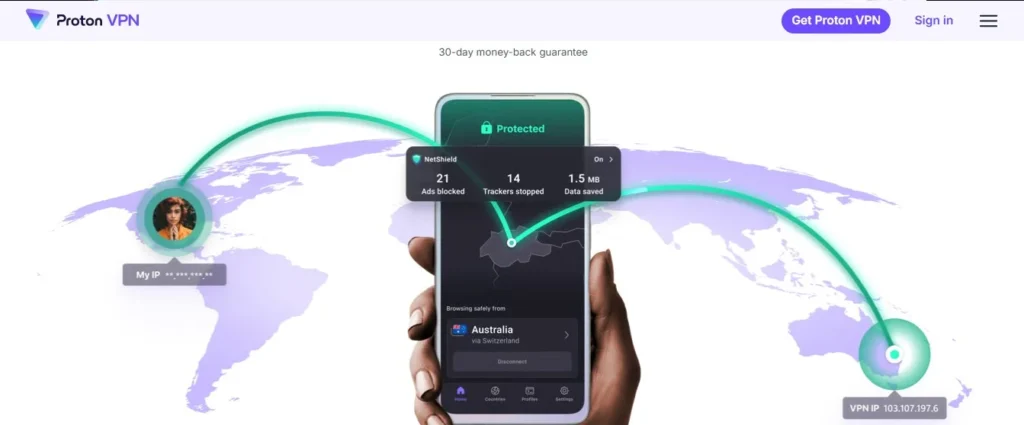
1. ProtonVPN
ProtonVPN is the only option here that offers truly unlimited free data on iOS. It is built around privacy and works without ads or hidden restrictions.
Key features
- Unlimited free data (no cap)
- Strong encryption and no-logs policy
- iOS app with stable performance
- Basic server access on free plan
- No ads or tracking
Why Choose It
Choose ProtonVPN if you need unlimited usage without worrying about data limits.
ProtonVPN Pricing and Plans
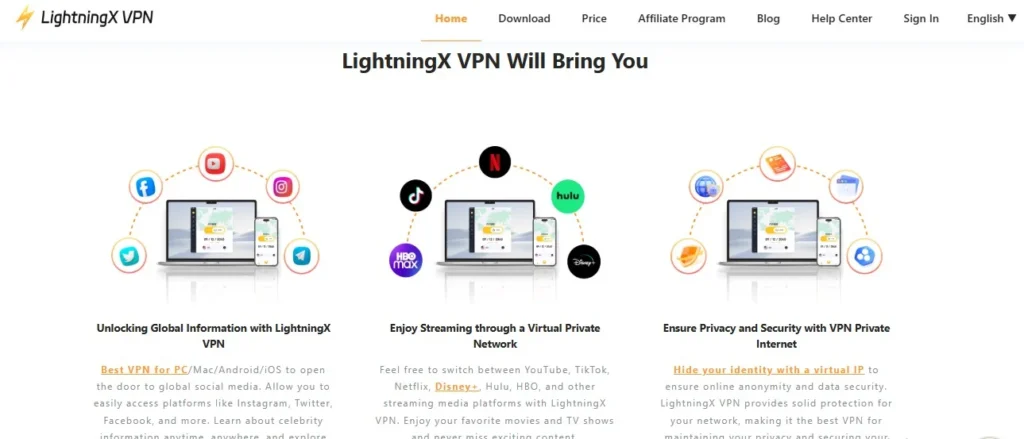
2. LightningX VPN
LightningX VPN is a lightweight VPN focused on mobile speed and simple connection routing. It is less known globally but often used for quick access in restricted networks.
Key features
- Free trial access or limited free usage
- iOS-optimized lightweight app
- Fast connection handshake
- Basic obfuscation support
- Simple one-tap connection
Why Choose It
Choose LightningX VPN if you want quick connection attempts on iPhone with minimal setup. It is not stable, but it can occasionally bypass restrictions when mainstream VPNs are blocked.
LightningX Pricing
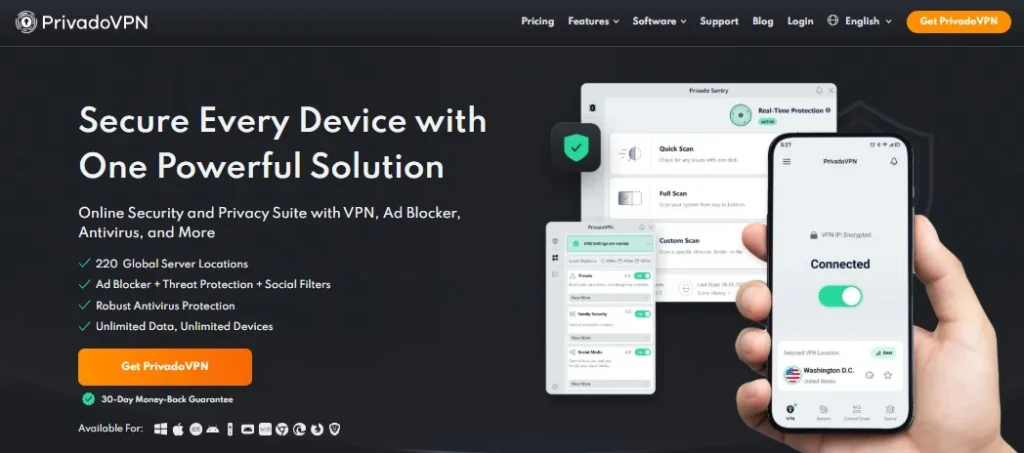
3. PrivadoVPN
PrivadoVPN offers one of the most usable free tiers for iPhone users, with a 10GB monthly limit. It performs better than most free VPNs in terms of speed and stability.
Key features
- 10GB monthly free data
- iOS app with clean interface
- Streaming-optimized servers
- Basic protocol switching
- No credit card required for free plan
Why Choose It
Choose PrivadoVPN if you want the best balance between speed and usability on a free plan.
PrivadoVPN Pricing and Plans
4. ZoogVPN
ZoogVPN is a simple free VPN with a small server network and basic iOS support.
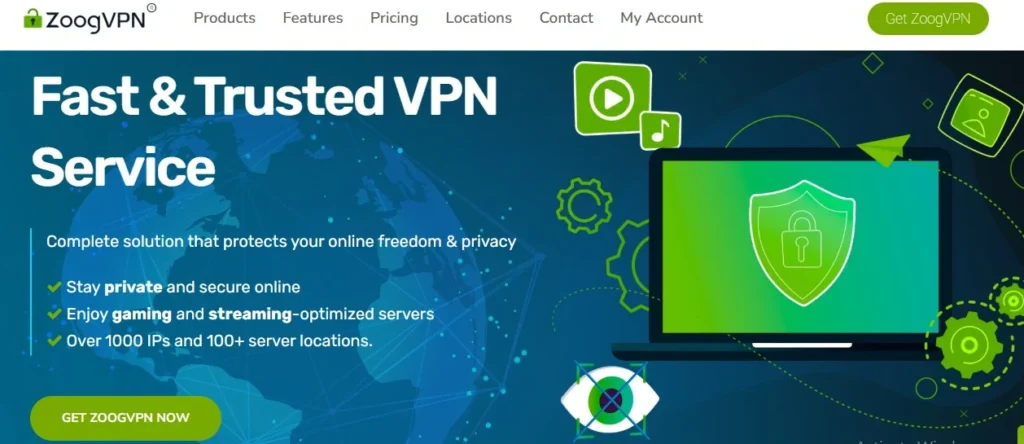
Key features:
- 10GB free monthly data
- Basic iOS VPN app
- Simple server selection
- No complex setup required
- Lightweight connection protocol
Why Choose It
Choose ZoogVPN if you need a backup VPN that is easy to switch on quickly. It is not reliable for daily use in China, but useful as a secondary option when others fail.
ZoogVPN Pricing and Plans
5. NordVPN
NordVPN is not a free VPN in the traditional sense, but it offers limited trial-based access and is included because it is one of the few services that consistently works in restricted networks when available. It uses strong obfuscation technology designed to bypass deep packet inspection.
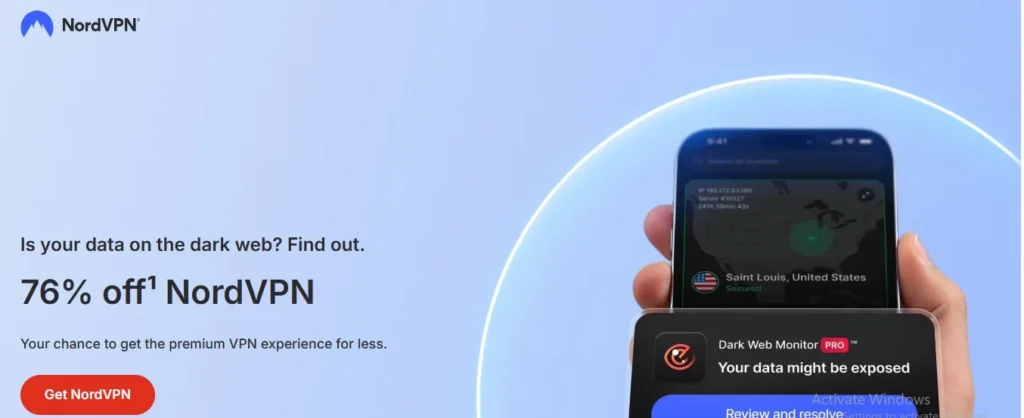
Key features
- Advanced obfuscated servers
- Strong iOS kill switch support
- High-speed global network
- Trial or promotional access (varies)
- Reliable encryption and privacy protection
Why Choose It
Choose NordVPN if your priority is actual reliability inside China, even if access is temporary or trial-based. It is significantly more stable than fully free VPNs due to stronger infrastructure and stealth protocols.
NordVPN Pricing and Plans
Why Do You Need a VPN in China?
You need a VPN in China to reach blocked websites like Google, WhatsApp, and international news sites that the government filters every day. Without this simple tool, your phone loses access to the apps you use most the moment you step off the plane.
The VPN Necessity Definition in China’s Network Environment is straightforward: you cannot use the normal global internet without a workaround.
Most travelers figure this out too late. They land in Beijing and try to check Gmail. Nothing loads. They attempt to message family on WhatsApp. The messages hang with one gray checkmark. This is not a phone glitch. It is the intended design of China’s separate internet system.
What is the fundamental purpose of using a VPN in China?
The basic goal is to make your phone think it is in another country. A VPN sends your internet request through a server located somewhere else, like Japan or the US. This tricks local blocks into letting your data pass.
People often assume VPNs are only for spies or hackers. That is a mistake. Regular tourists need them to pull up maps, read hotel confirmations, or video call home. Without this basic access, you cannot check your bank balance or book a train ticket using the sites you trust.
How does the Great Firewall technically create the necessity for VPN services?
China runs a filtering system called the Great Firewall. It watches every web request leaving your device. When you type “google.com,” the system sees that address and cuts the connection before the page ever loads.
A VPN scrambles your data into code. The Firewall sees random letters instead of “facebook.com.” Because it cannot read the destination, it lets the packet through. This encryption creates the technical need for VPN services. Without this scramble, the block stays active.
Do all foreign visitors inherently need VPN access while in China?
Not every traveler needs one. If you plan to use only Chinese apps like WeChat and Baidu Maps, you might survive the trip. But here is the catch you will hit immediately: you cannot easily download those Chinese apps without access to Google Play or the full Apple App Store. You also cannot research restaurants or read reviews on sites you trust.
Business travelers always need access. Tourists who want English maps need them too. Even backpackers sharing photos hit walls when Instagram fails to load. If you plan to check email, use foreign credit cards online, or post on social media, the VPN moves from optional to required.
Should You Get a VPN for China?
Get a VPN if you want to use any app or site from your home country.
Skip it only if you are comfortable living entirely inside China’s separate internet bubble for your whole trip.
Who needs this:
- Anyone checking Gmail or bank accounts
- Tourists using Google Maps to navigate
- People posting on Instagram, Facebook, or Twitter
- Travelers booking hotels on foreign websites
Who does not:
- Visitors with local Chinese phones and zero foreign apps
- Those on guided tours with fixed schedules and local guides handling logistics
Your next step: Download and test your chosen VPN before you board the plane. Airport WiFi in China will not let you install one once you land.
Key takeaways before you travel:
☐ China blocks Google, WhatsApp, and most foreign news sites by default
☐ A VPN hides your traffic so the Great Firewall cannot stop you
☐ Install and test your VPN before entering China, not after
☐ Some travelers can skip it if they use only Chinese apps like WeChat
☐ Free hotel WiFi will not help you download a VPN once inside the country
Final Verdict — Best Free VPN for China (iOS)
If we strip away marketing and focus only on what actually works on iPhone inside China under the Great Firewall, the reality is simple:
Most free VPNs fail. The few that work are inconsistent, and none are stable long-term.
But based on free tier usability, iOS performance, and real connection success, the ranking is clear.
ProtonVPN- Best Overall Free VPN for China (iOS)
- Unlimited free data
- Strong privacy and encryption
- Works occasionally in restricted networks
- Best long-term fallback option
Verdict:
This is the only true “safe default” free VPN. It won’t always connect in China, but when it does, it gives you unlimited usage without worrying about data caps.
PrivadoVPN – Best for Speed (when it connects)
- 10GB monthly free data
- Fast servers (when accessible)
- Better stability than most free VPNs
- Clean iOS app
Verdict:
Best balance of speed + usability. Not always stable in China, but noticeably better performance than most free options.
LightningX VPN – Best Lightweight Backup VPN
- Fast connection attempts
- Simple iOS interface
- Lightweight mobile focus
- Basic obfuscation support
Verdict:
Not stable, but useful as a quick fallback tool when mainstream VPNs fail.
ZoogVPN – Best for Simple Use
- 10GB monthly data
- Easy iOS setup
- Basic server selection
- Low complexity
Verdict:
A basic backup option. Works occasionally, but not reliable for daily use in China.
NordVPN – Most Reliable but not truly free (Trial or limited access only)
- Strong obfuscation technology
- High success rate in restricted networks
- Stable iOS performance
- Trial or limited access only
Verdict:
Not a free VPN in practice, but the most reliable option if you can access a trial or promotion. Best real-world performance inside China.
Final Answer (simple)
If you want one clear choice:
- Best free VPN overall: ProtonVPN
- Best chance of working consistently: NordVPN (trial-based)
- Best speed when connected: PrivadoVPN
- Best backup option: LightningX VPN / ZoogVPN
Reality check
Even the best free VPN for China on iOS:
- disconnects frequently
- gets blocked unpredictably
- requires switching servers often
Free VPNs are not stable infrastructure in China—they are temporary tools.


Pasive Marketer is a digital publication dedicated to AI tools, SaaS software, digital marketing, and online business growth. We create in-depth reviews, comparisons, tutorials, and expert guides to help entrepreneurs, marketers, and businesses discover the best software solutions and make informed purchasing decisions.